Buckle Hardsurface modeling
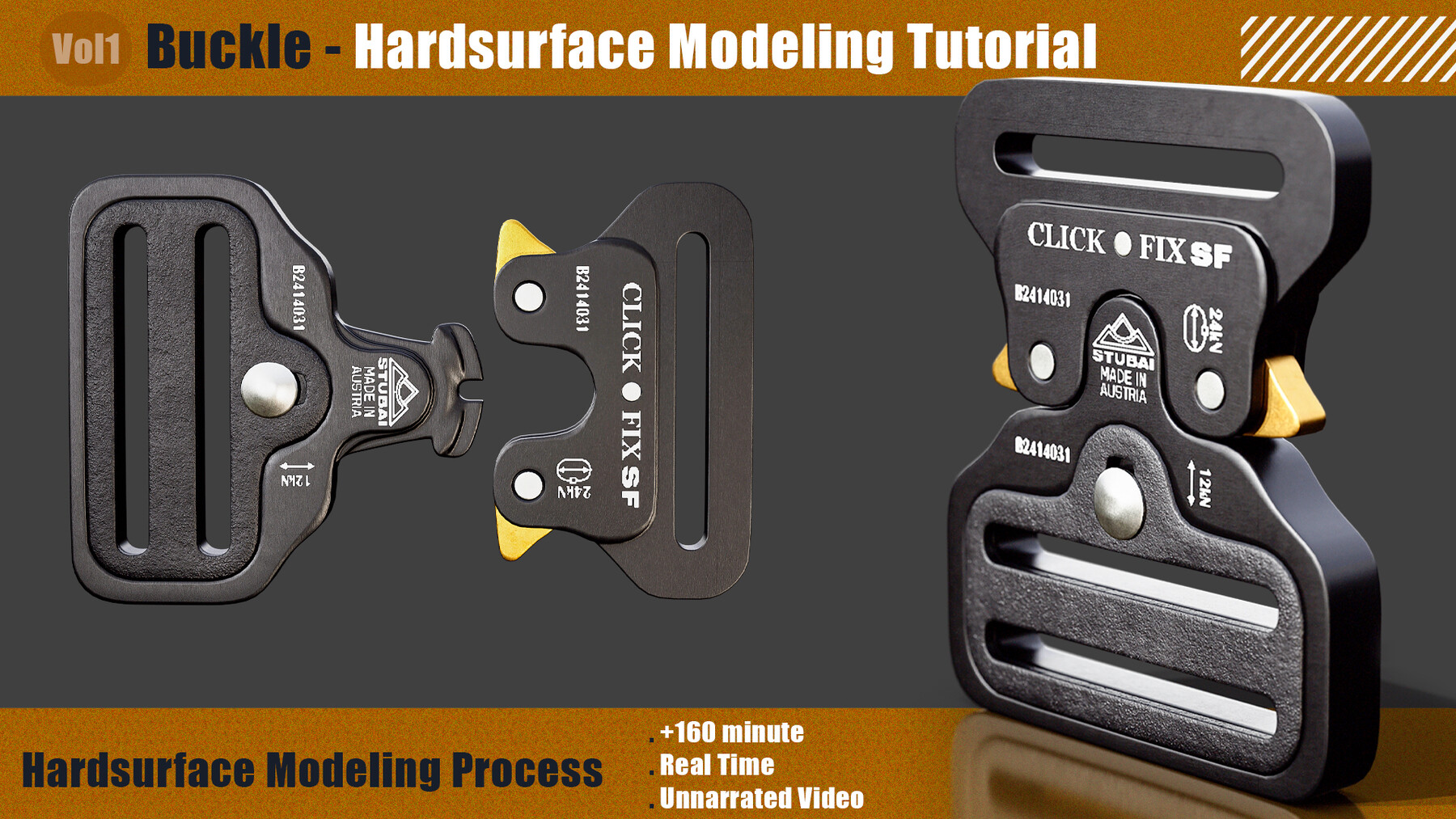
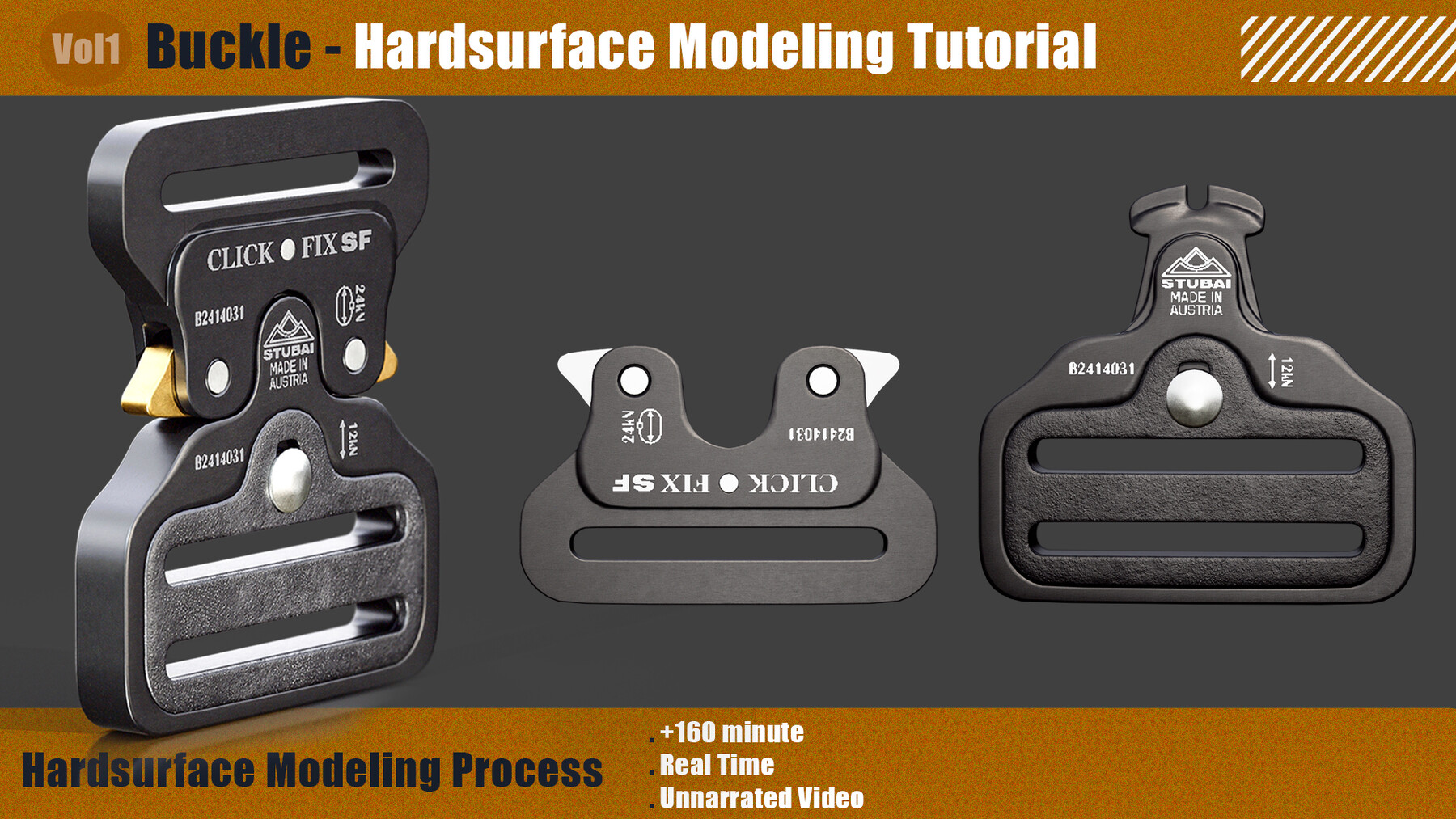
Buckle - Hardsurface Modeling Tutorial
Our newest training series is hardsurface buckle modeling
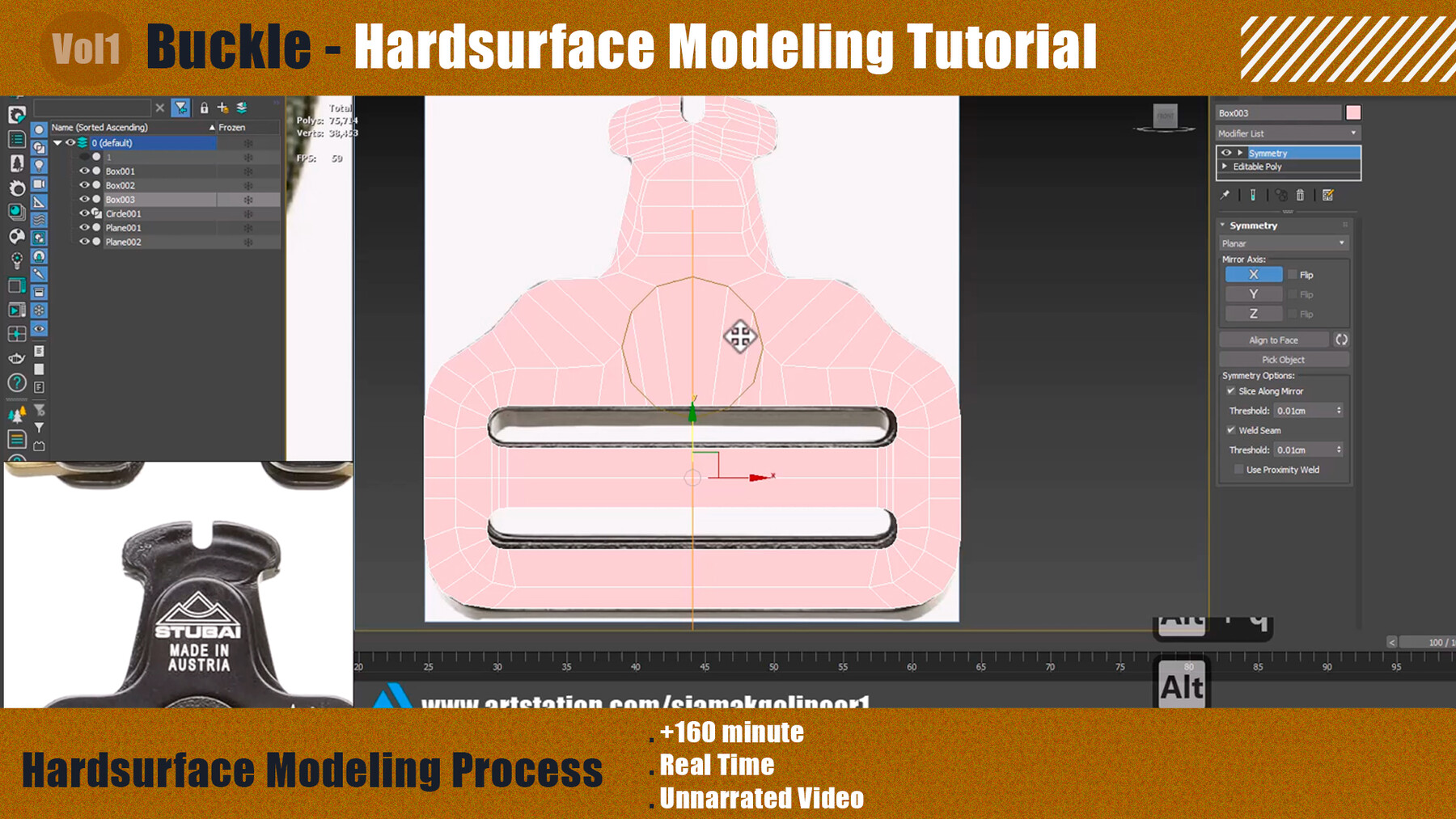
Focus on modeling the buckle from a 2D concept using 3dsmax, accurately and elegantly modeling hard surface assets.
This educational series contains 160 minutes of detailed guidance without narration. This is a great resource for beginners looking to master 3D modeling. While the model is not included, we equip you with the necessary skills to create your masterpiece.
With prerequisites such as basic familiarity with the software, this set is your gateway to mastering 3dsmax and creating stunning assets. Are you ready to turn your vision into a tangible 3D creation? Join us on this exciting journey!
Software used:
3Ds Max
the level:
Beginner
Prerequisite for basic knowledge of the used software (how to navigate and work with basic functions in them)
Note: The final model and project files are not included in this product.
Note: All videos are voiceless (meaning no audio or subtitles).
Buckle - Hardsurface Modeling Tutorial
+160 minute
Real Time
Unnarrated video